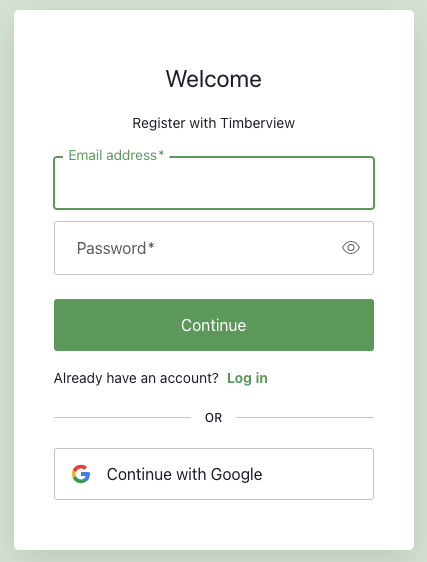
Enter your email address and a password. Your password must meet these requirements:
* At least 8 characters
* At least 3 of the following:
* * Lower case letters (a-z)
* * Upper case letters (A-Z)
* * Numbers (0-9)
* * Special characters (e.g. !@#$%^&*)
Click Continue.
Create Account
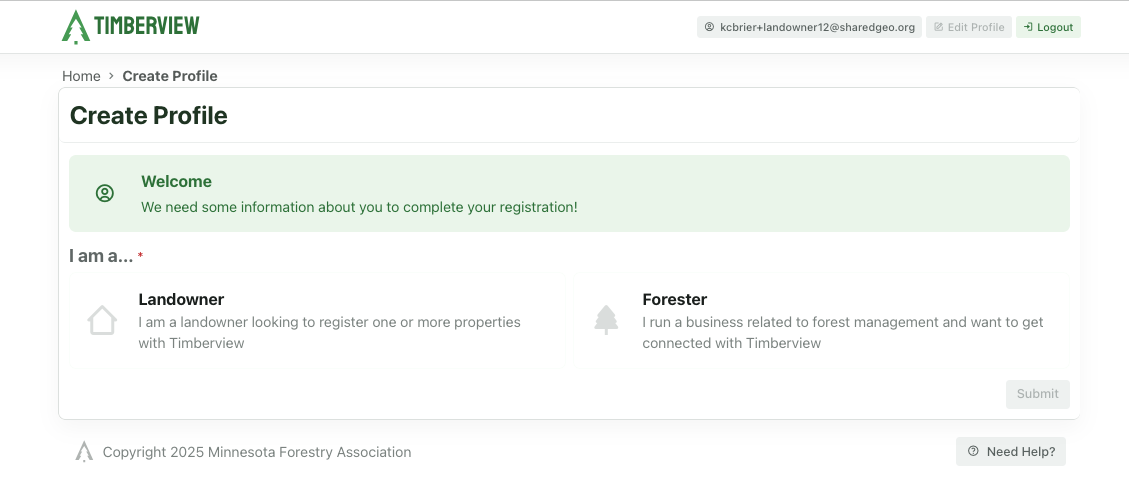
Choose your role: Landowner or Forester.
Choose Profile
Next: follow the link to continue reviewing the documentation for your role:
Landowner Guide Guide for family and individual woodland owners
Forester Guide Guide for foresters to manage assignments
Administrator Guide Guide for the TimberView administrator to manage system settings.